Bring your group
There are two ways in: an email invite, or the round's join link. Both are under Manage → Invite.
The join link
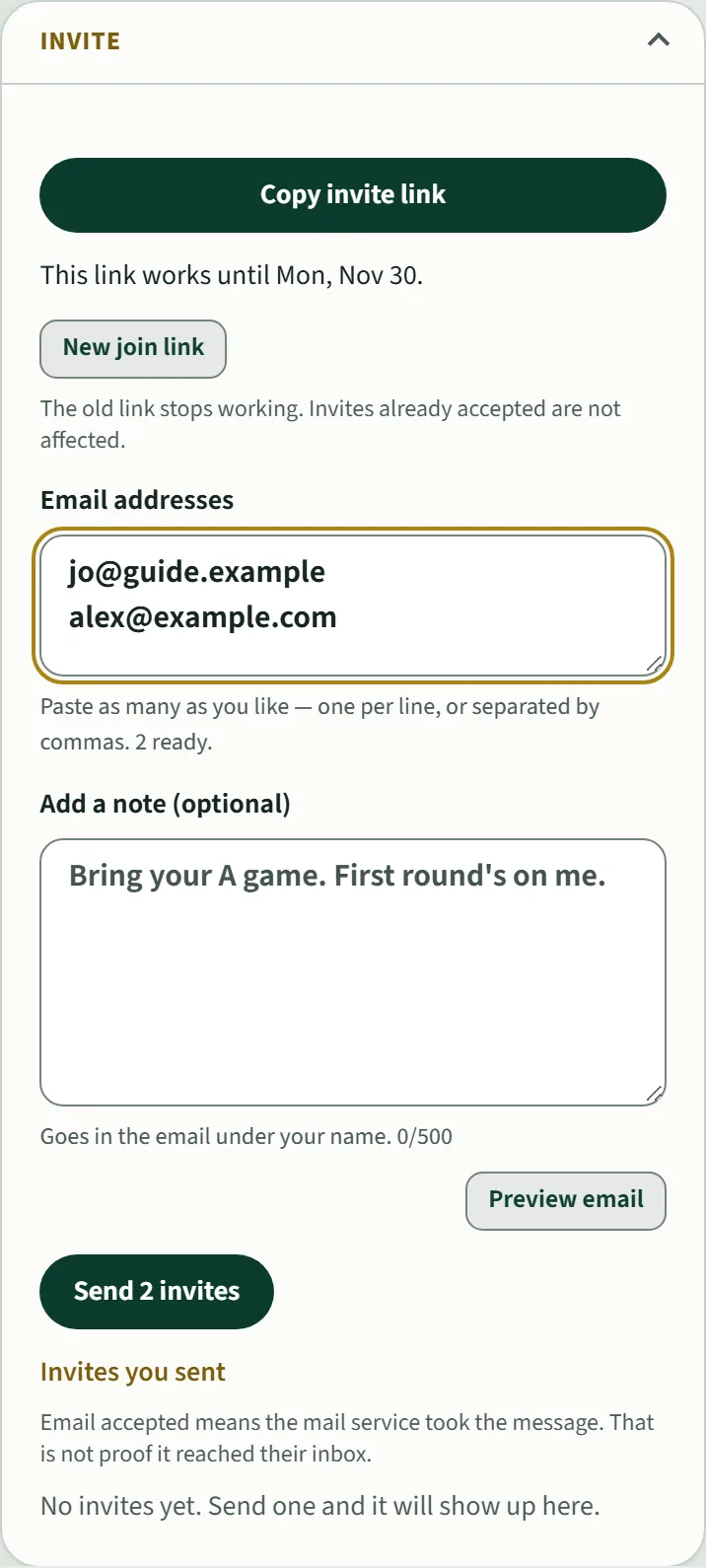
Copy invite link and paste it into the group text. Anyone with the link can join this round, so share it with your group only. It works for about a month. New join link makes a fresh one and stops the old one; golfers who already joined stay in.
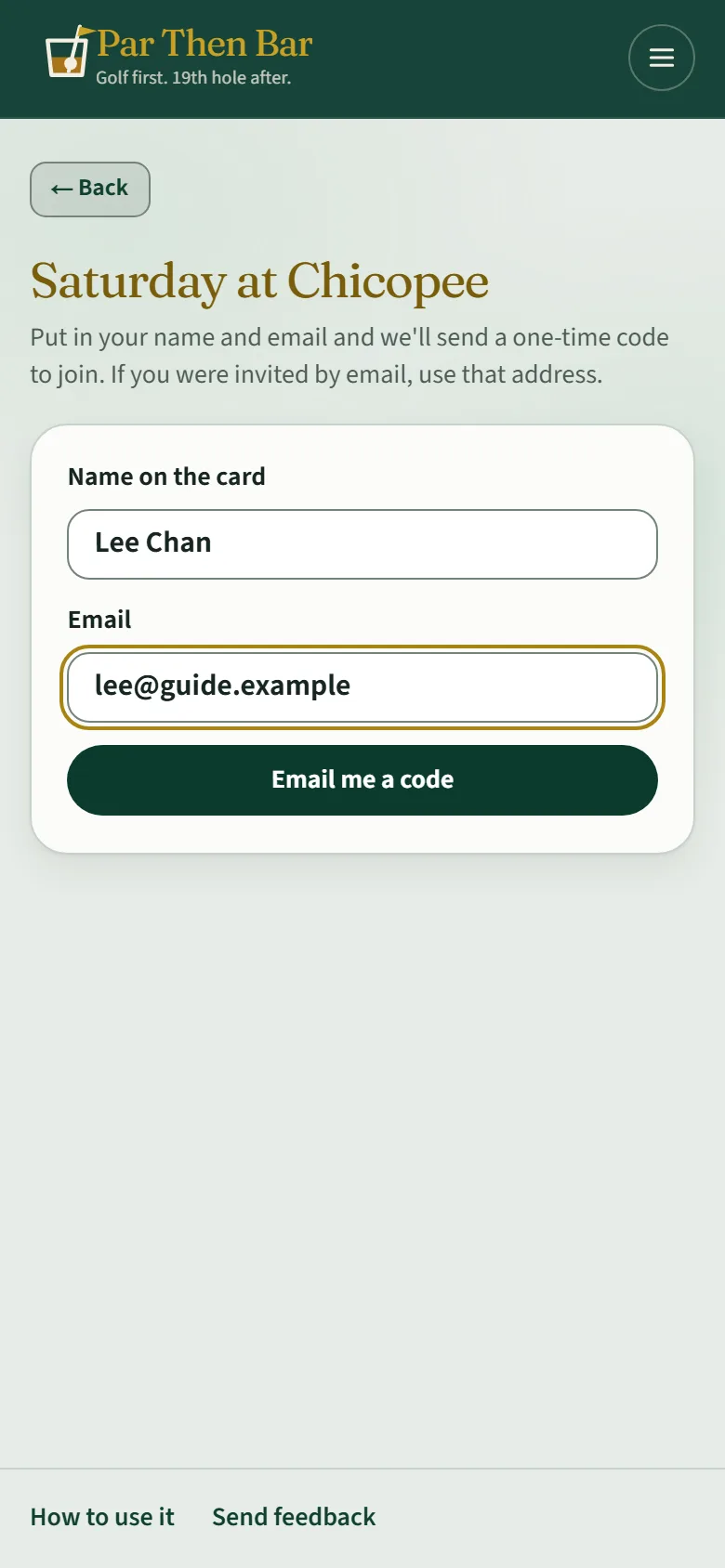
Someone opening the link puts in the name for the card and their email, gets a code, and taps Join the round. They land on the Score tab, ready to go. They do not need an invite to the app first.
Email invites
Type or paste email addresses, one per line or separated by commas, and tap Send. Add a note if you like; Preview email shows what they will get. Invites you sent lists who has been asked.
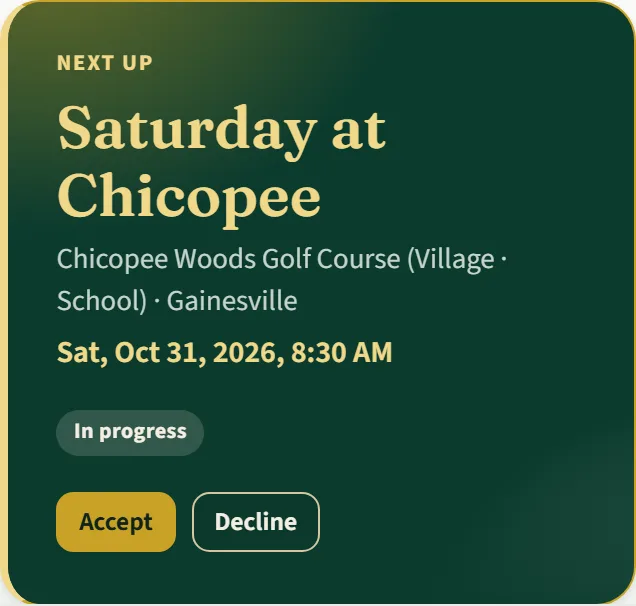
An invited golfer signs in with that email address. The round shows up on their Home with Accept and Decline.