Handicaps and net scores
Set each golfer's handicap and make sure the course has its stroke index.
A net round needs two things: a handicap for each golfer, and a course that says which holes are hardest (the stroke index). Gross games need neither.
Round handicaps
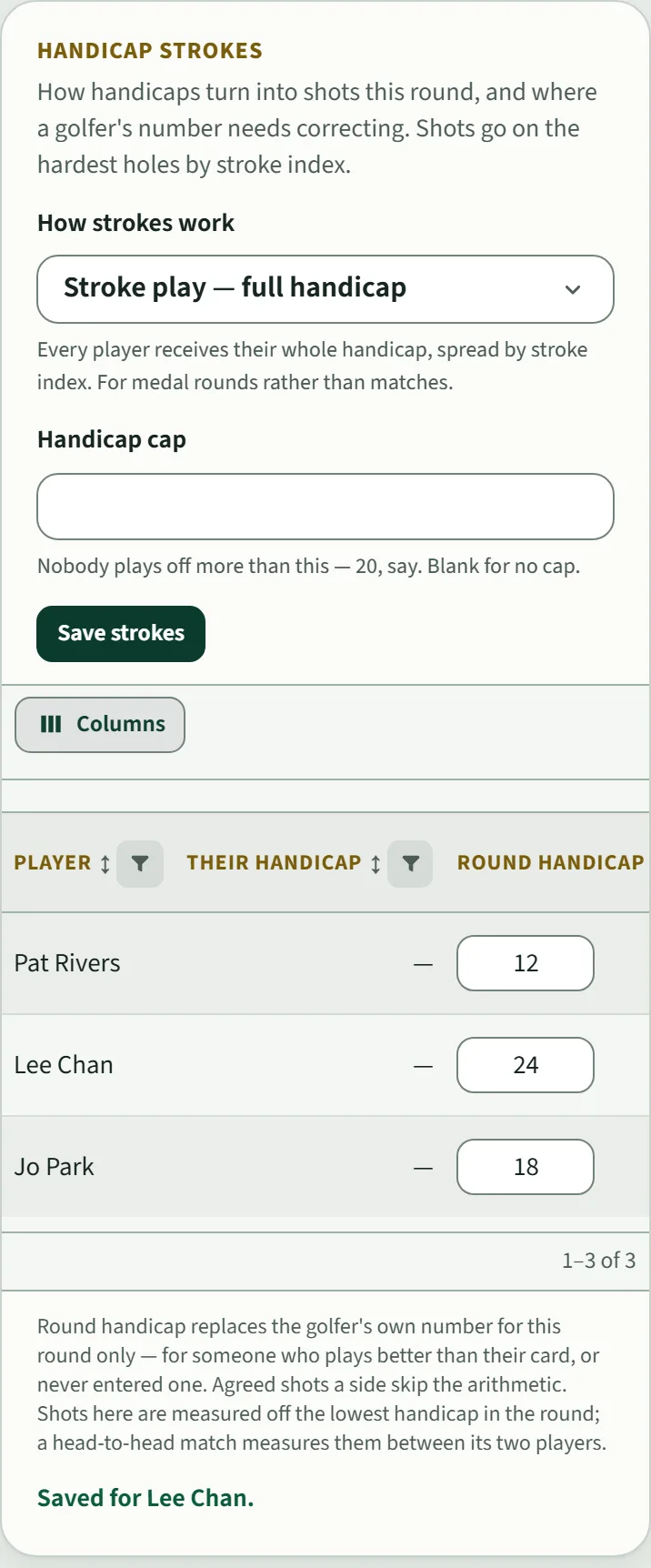
The host sets these under Manage → Handicap strokes.
- Their handicap is the number on the golfer's own profile, or "—" if they have none.
- Round handicap is what this round uses. Type it in and move to the next box; it says Saved for that golfer. It changes this round only, so it fits someone who plays better than their card or who has never entered one.
- How strokes work sets how handicaps become shots. For a net medal round, Stroke play — full handicap gives every golfer their whole handicap, spread by stroke index. A Stroke play (net) round starts with this already set.
- Handicap cap, if you set one, means nobody plays off more than that number.
The stroke index
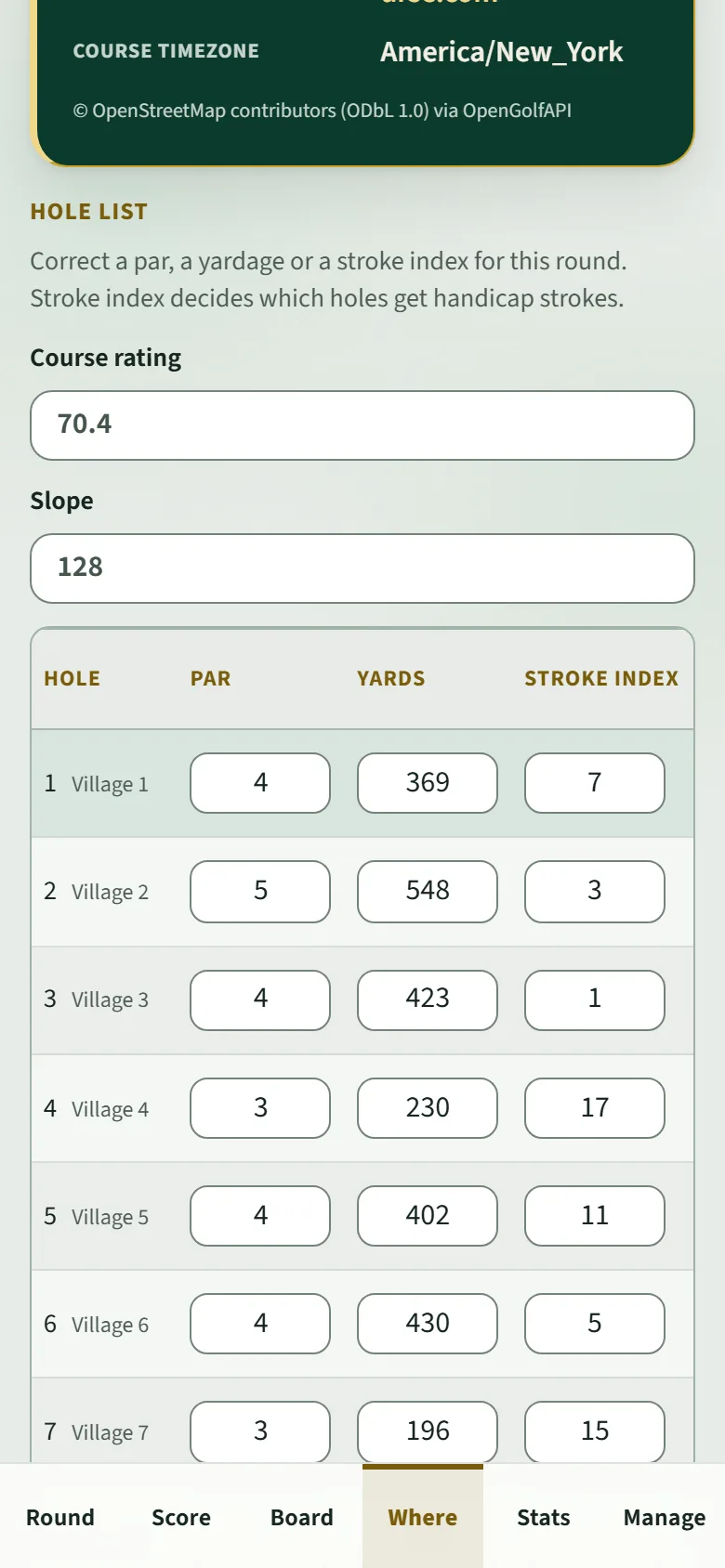
Strokes go on the hardest holes first, by stroke index. Many courses from OpenStreetMap don't have one. Without it the board tells you so and shows gross numbers rather than guessing.
To add it, the host opens Where → Hole list → Edit holes, copies the stroke index (often "HCP" on the scorecard) into each hole, and taps Save holes. Par, yardage, course rating and slope can be corrected in the same place.
Do this before the round if you can. If you fix it afterwards, the board is recalculated from the scores already in.