Getting in
Par Then Bar has no passwords. You sign in with a code we email you, and after that a passkey can skip the code.
Sign in with a code
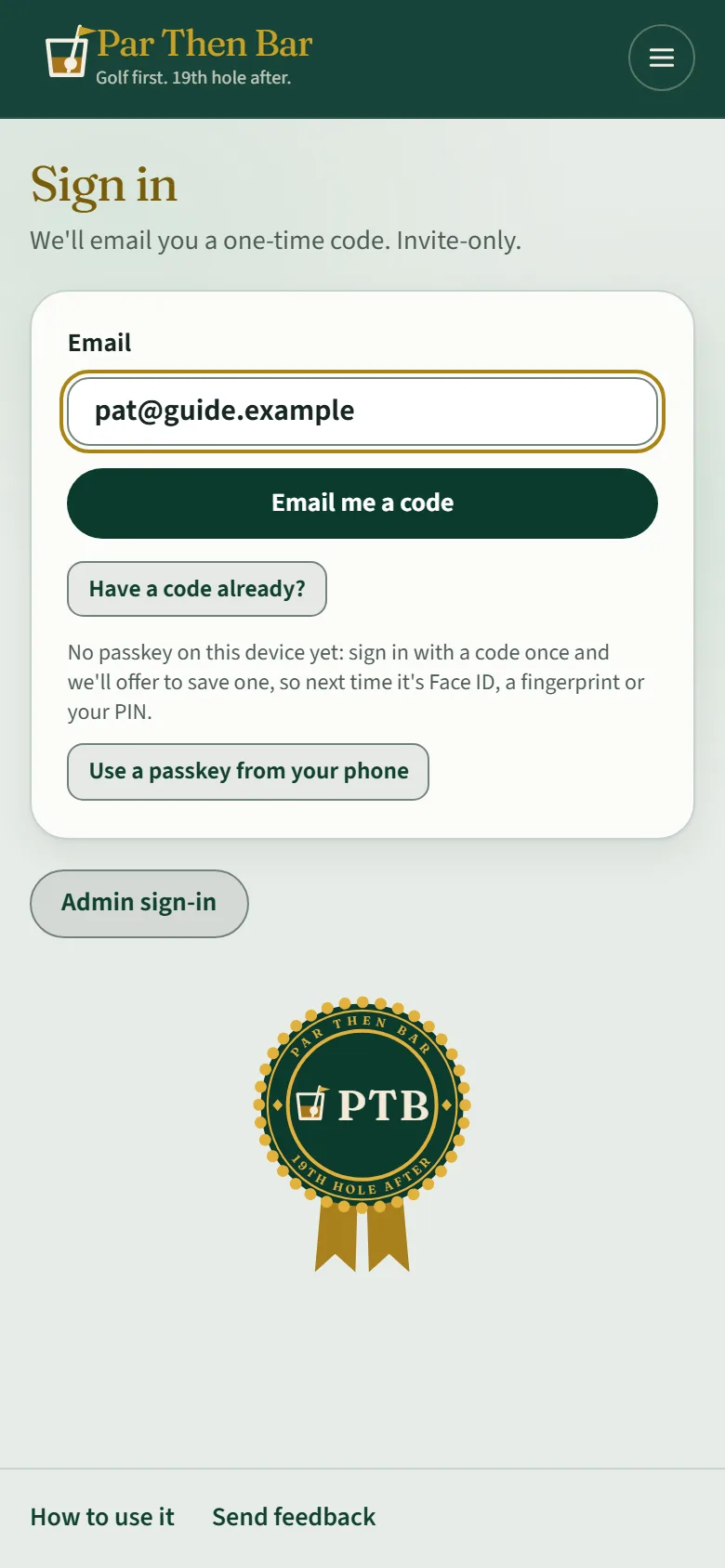
- Open Sign in and type your email address.
- Tap Email me a code.
- Type the six-digit code from the email and tap Sign in. A code works for ten minutes.
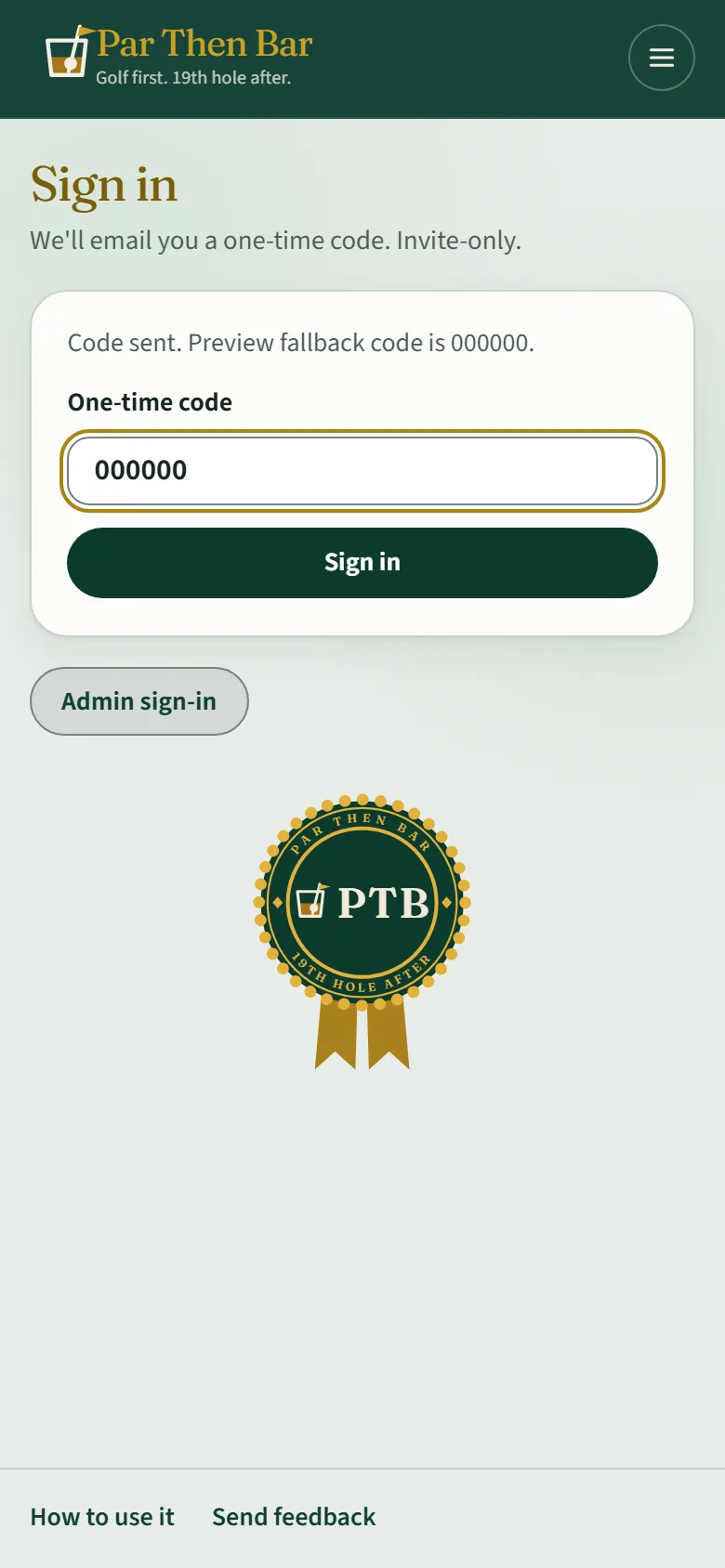
If someone sent you a code another way (a text from the organizer while the email was slow), tap Have a code already? and type it in. Asking for a new code would replace theirs.
If the sign-in page says it is invite-only, you need an invite first. Ask someone who plays on Par Then Bar to invite you, or use a round's join link (see Bring your group).
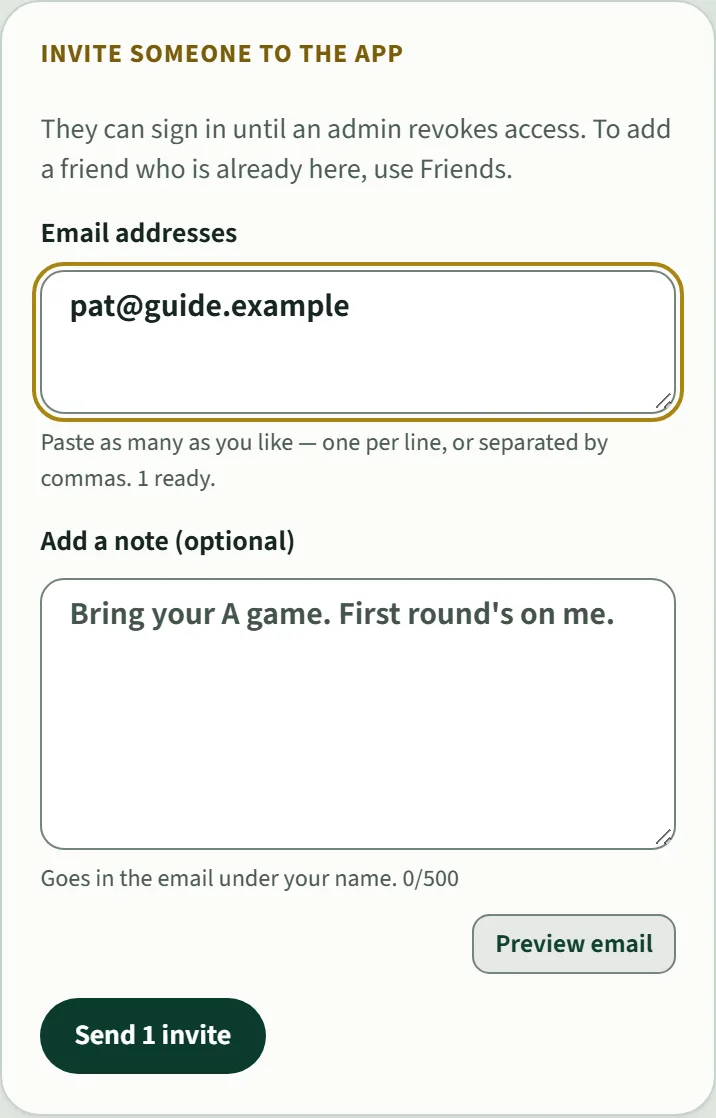
Already in and want to bring a friend? Open Invites from the menu, add their email address and tap Send.
Skip the code next time
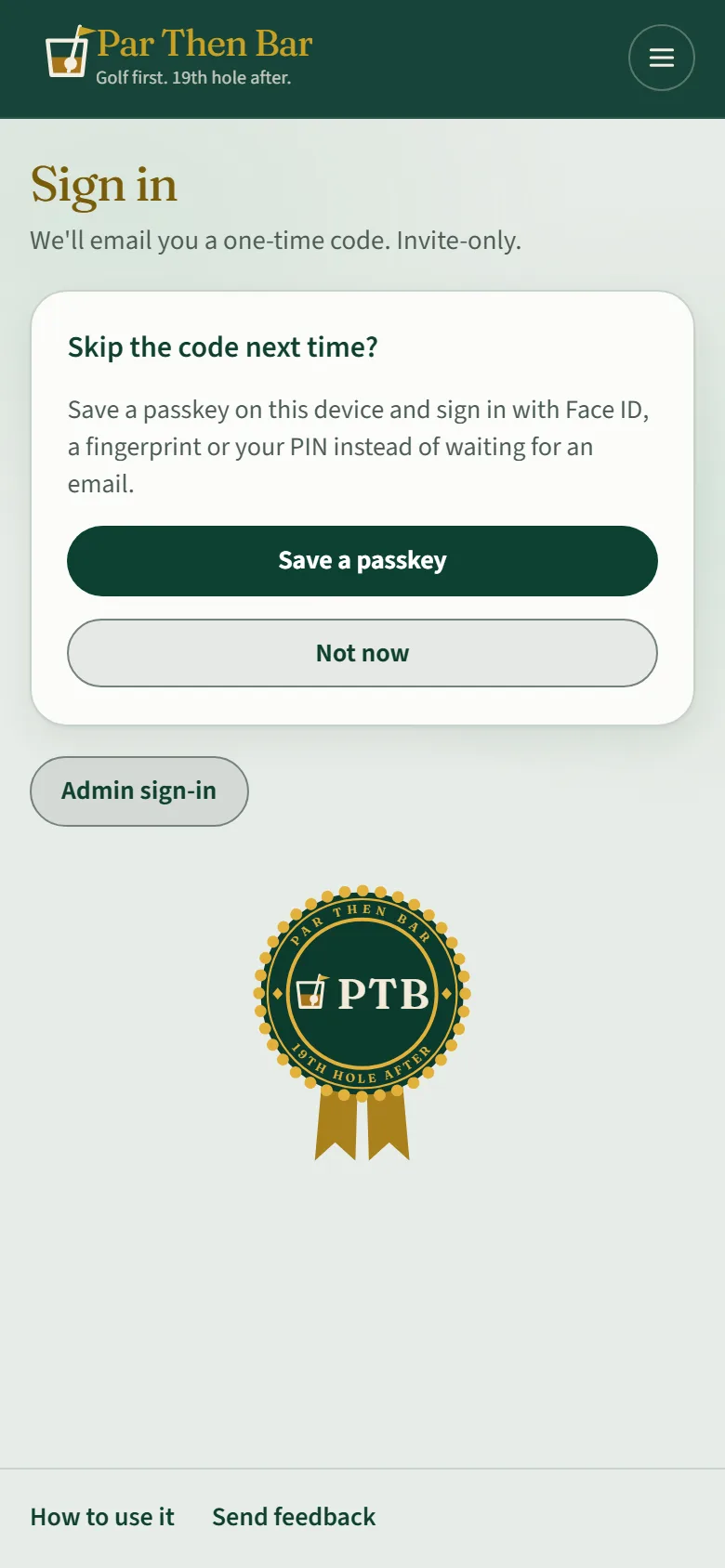
After your first sign-in on a phone, Par Then Bar offers to save a passkey. With one saved, signing in is Face ID, a fingerprint or your PIN, with no email. Tap Save a passkey, or Not now to keep using codes.
Your name
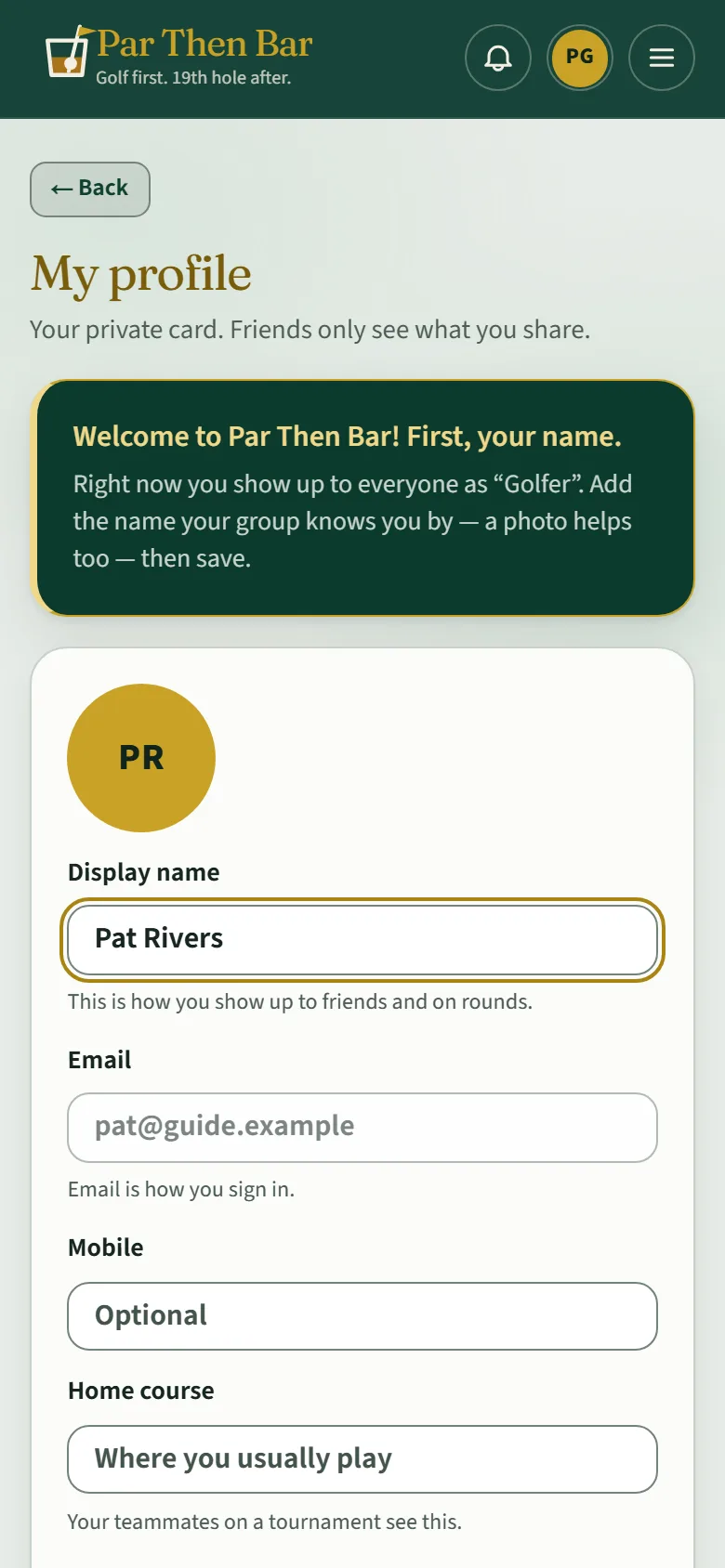
The first time in, you land on your profile. Put in the name your group knows you by and tap Save. Until you do, you show up as "Golfer".
Home
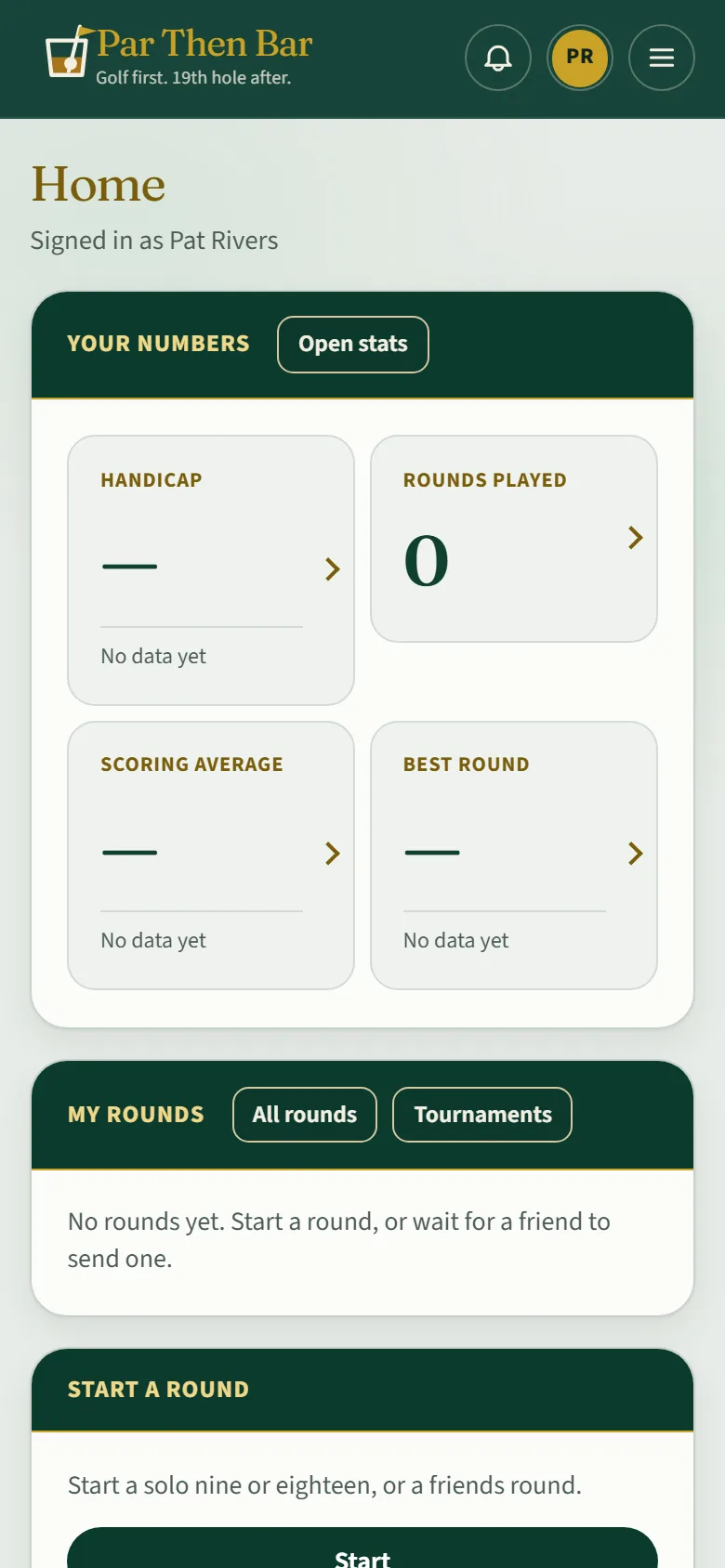
Home is where you start each time:
- Your numbers: handicap, rounds played, scoring average and best round, from your finished cards. Each says "No data yet" until there is something real to show.
- My rounds: the round coming up next, invitations waiting on you, and recent rounds.
- Start a round: make a new one (see Make a round).