Finish the round
Lock the official results; your numbers land on Home and Stats.
When every card is in, the host makes the results official.
Lock the results
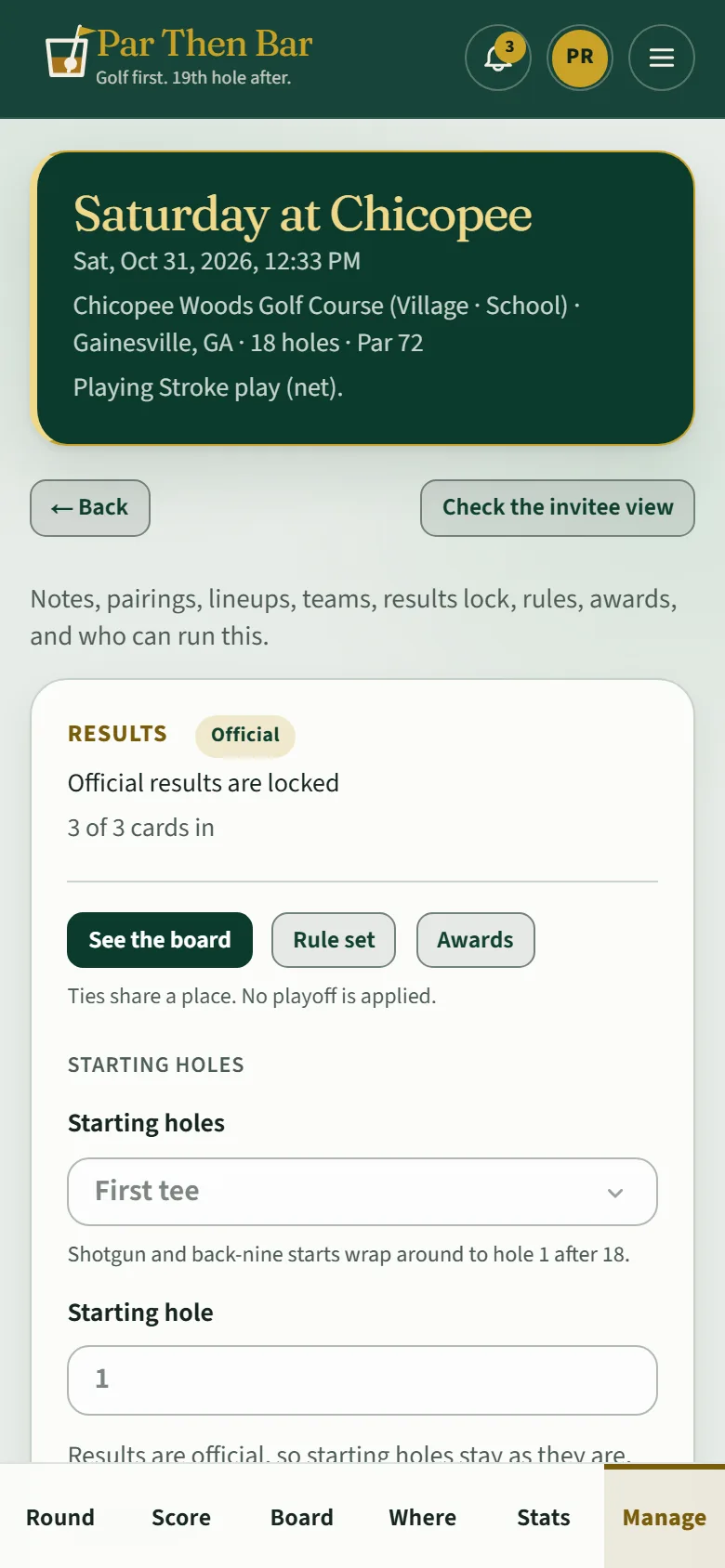
Under Manage → Results, the host sees how many cards are in (3 of 3 cards in). When they are all in, tap Lock official results.
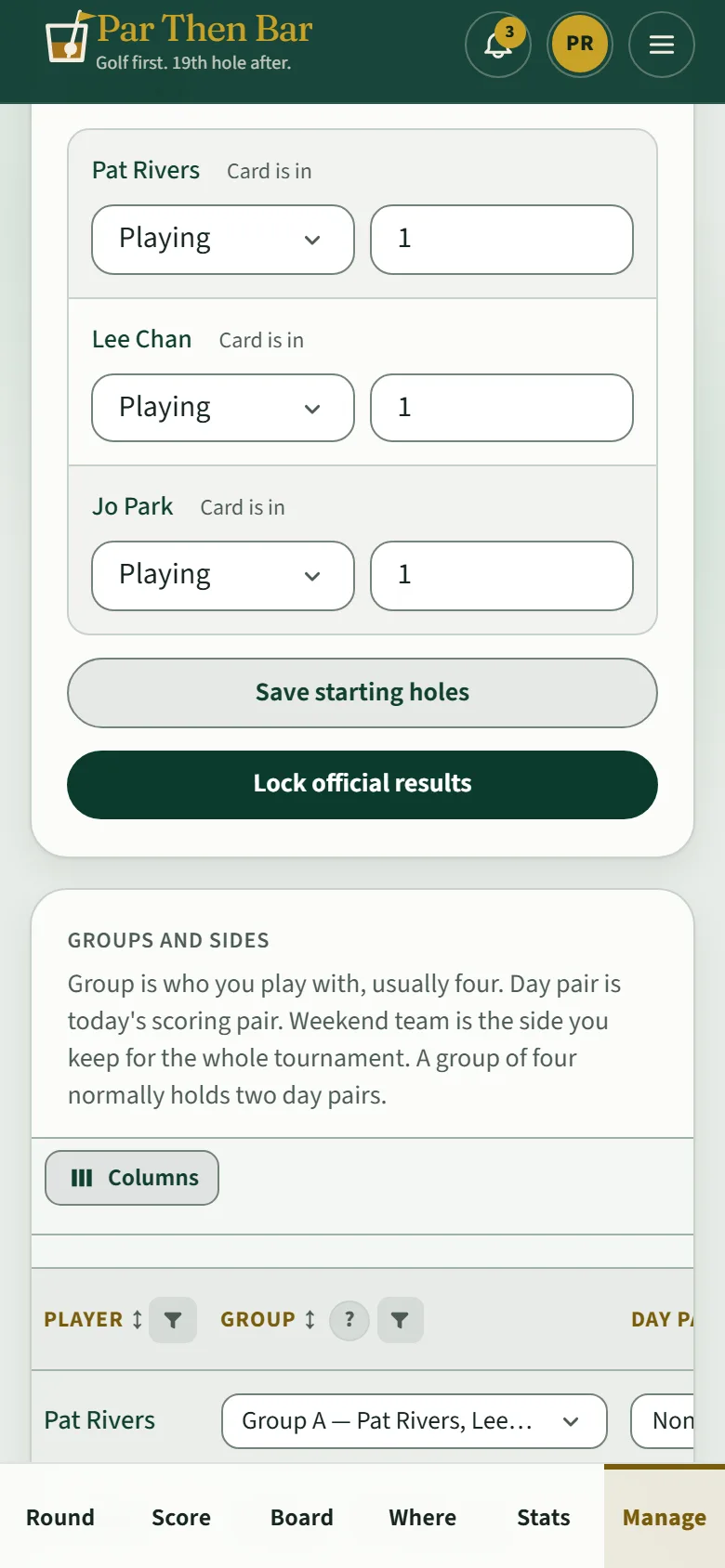
Once locked, scores can't change. If something needs fixing, the host taps Reopen results and says why; everyone sees the reason.
Your numbers
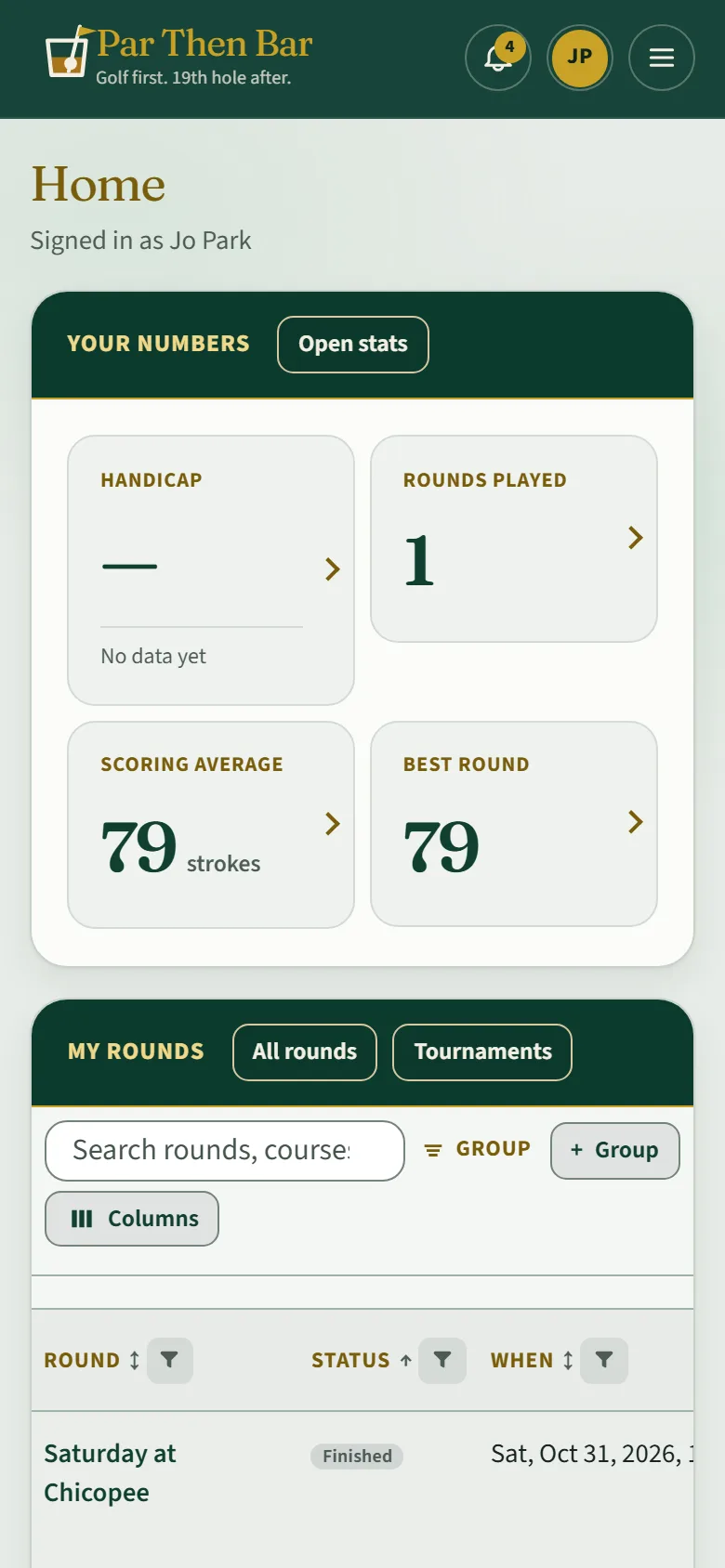
A finished card counts toward your numbers on Home and on Stats: rounds played, scoring average, best round, and averages on par 3s, 4s and 5s. Your handicap appears once you have three cards; until then it shows how many more it needs.
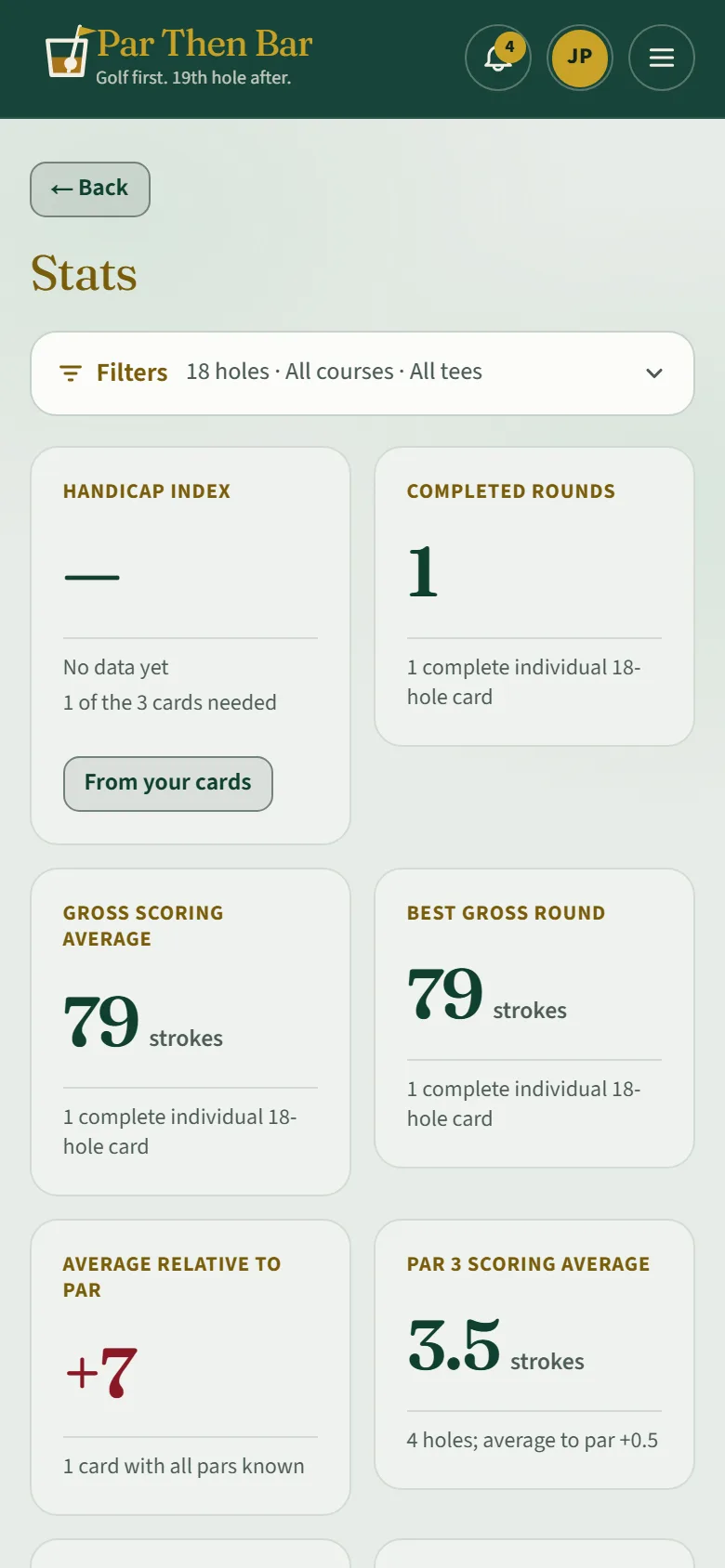
Filters on Stats narrow it down by nine or eighteen holes, course and tee.